Request the bus essentials
Add food, drinks and supplies to the bus stock list. Follow purchased and delivered quantities as your tour’s shopping team works through the run.
How bus stock worksThe Bus Mum app for iPhone and Android keeps your bus stock, crew updates and room readiness close to hand. Scan your bus QR code or enter its link, choose your name and you’re in.
Prefer your browser? The apps are optional. Your bus QR code and web link still work.
See inside the app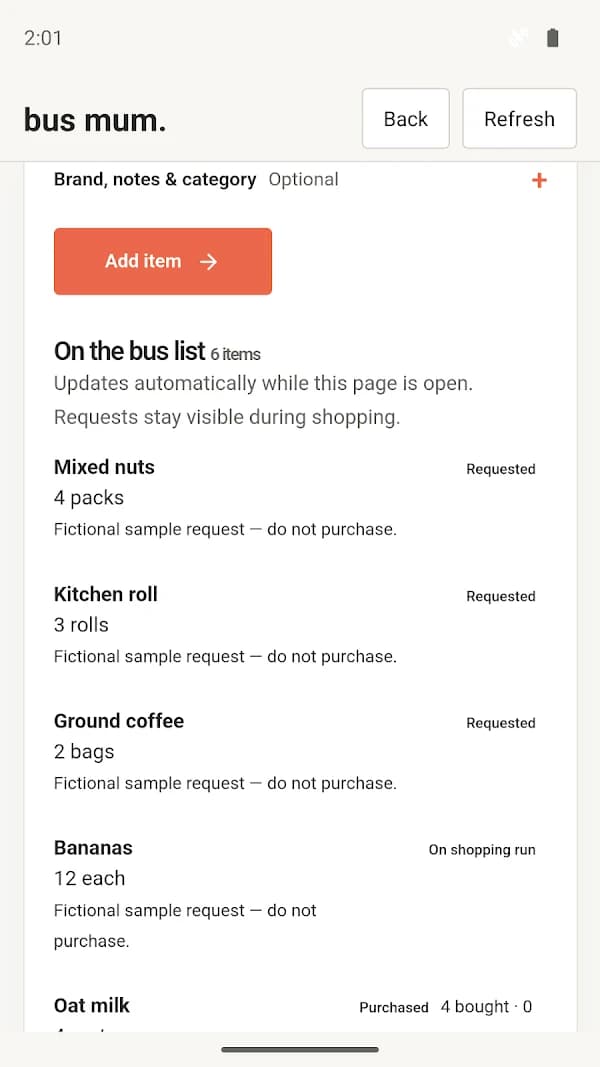
From the next shopping run to the hotel check-in, keep up with your bus in one place.
Add food, drinks and supplies to the bus stock list. Follow purchased and delivered quantities as your tour’s shopping team works through the run.
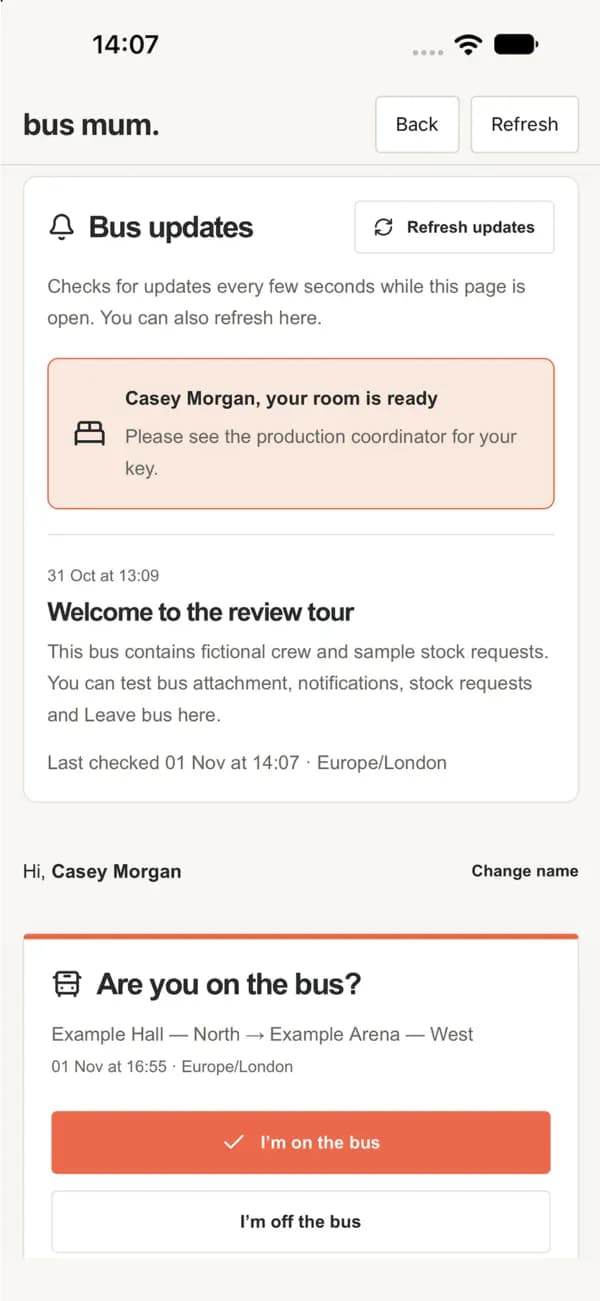
How bus stock worksChoose your name to see ready or waiting when production uses Rooms ready. The shared view keeps hotel details and room numbers off the bus page.
Rooms ready guideRead announcements from production. Save your bus and set up optional phone notifications, with a separate preference for each bus you join.
Phone app helpAvailable tools depend on your tour’s settings. Phone alerts depend on your device, permissions, connection and completed notification setup.
Real screenshots from our store listings, using a fictional sample tour.
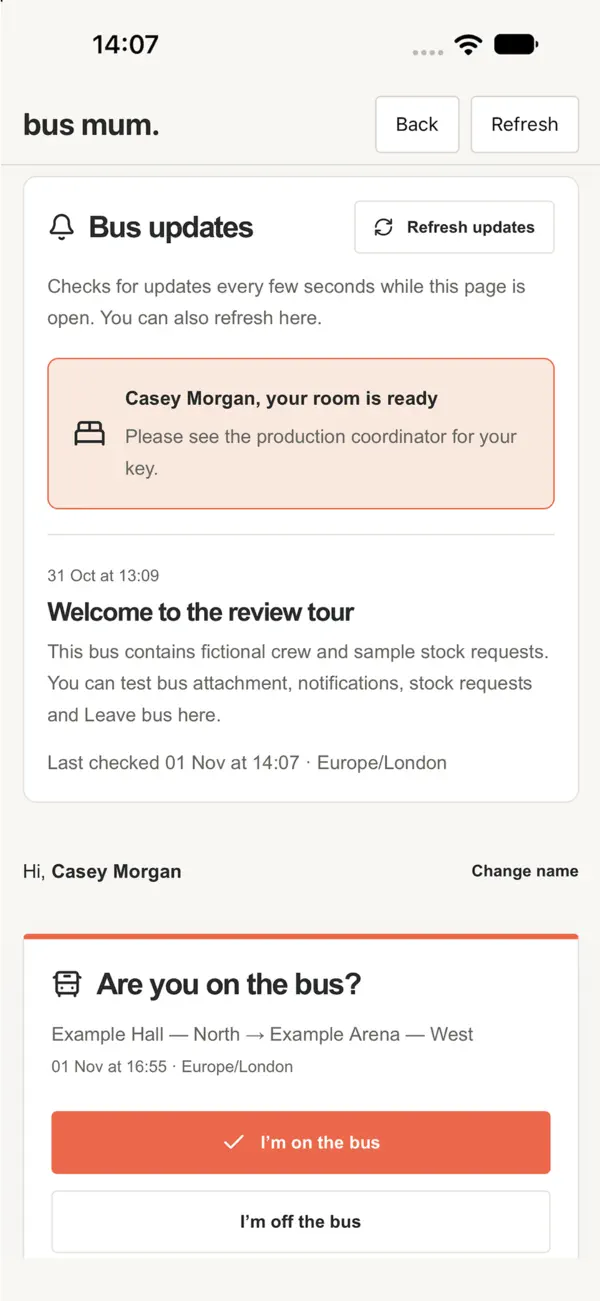
Read production’s announcements and check whether your room is ready.
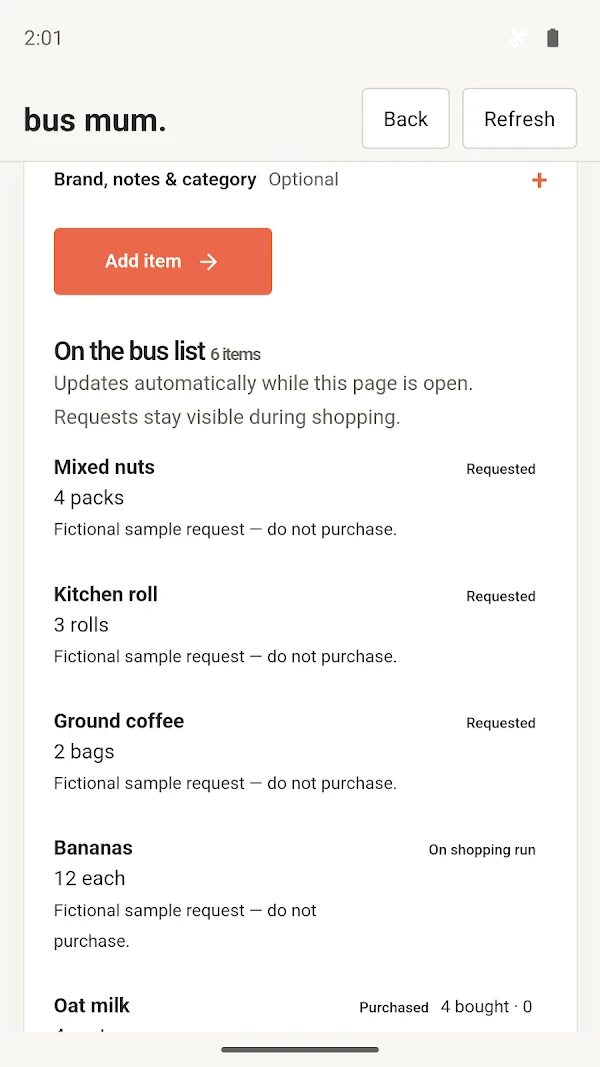
See your bus list and follow what has been bought and delivered.
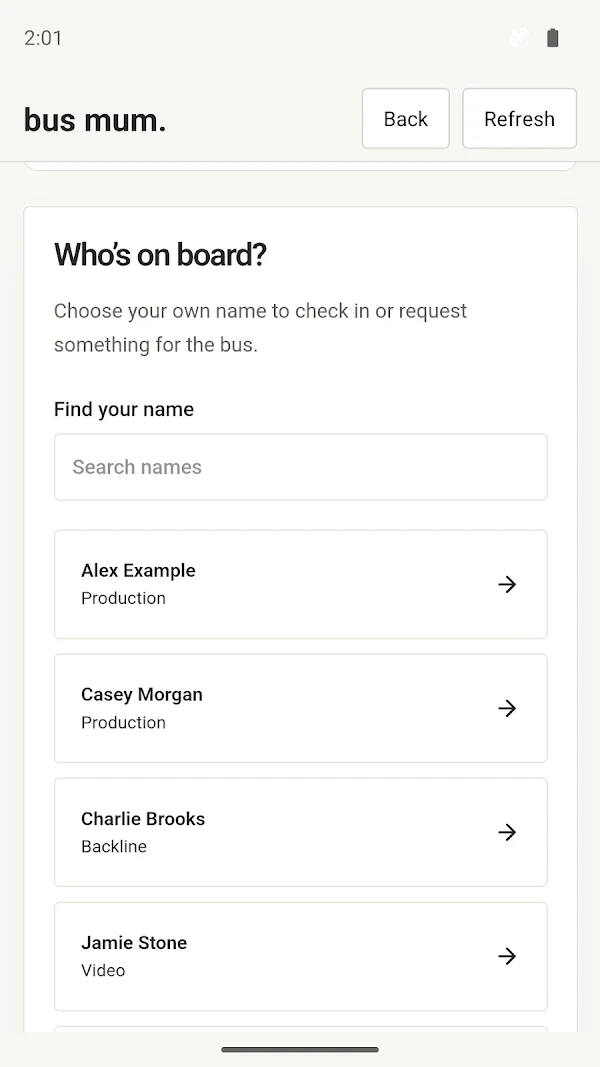
Open your tour’s bus link and choose the name your admin added.
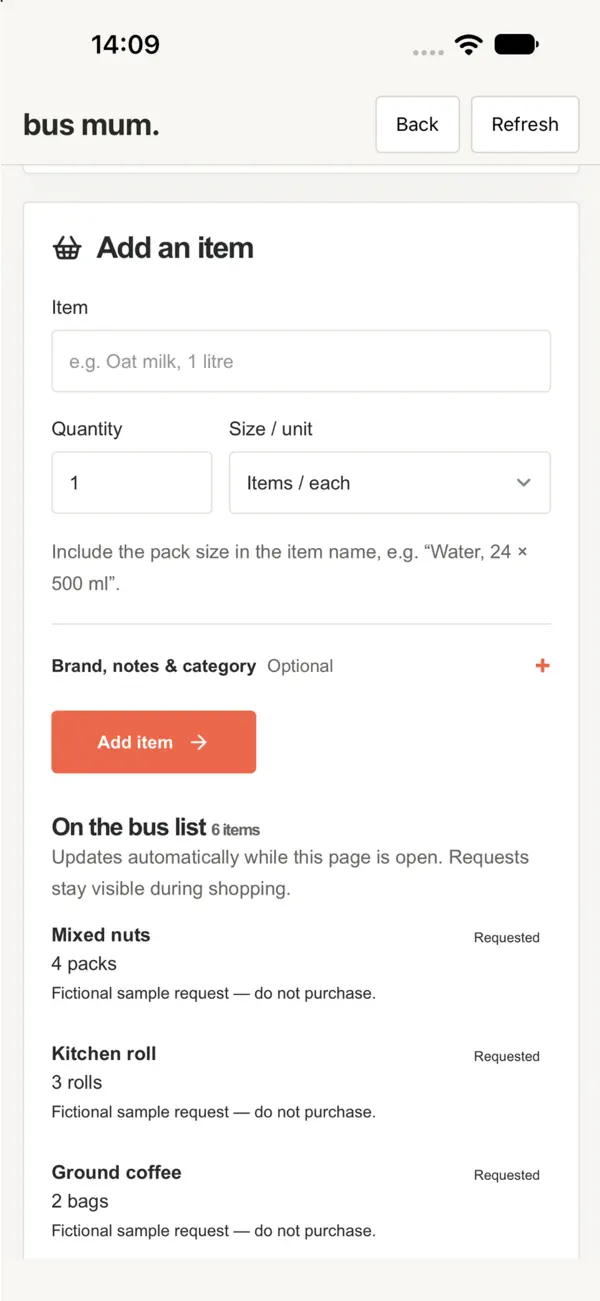
Send food, drink and supply requests to your tour’s shopping team.
Your tour admin sets up the bus and adds crew names. Ask them for the bus link or QR code before you start.
Choose the iPhone app on the App Store or the Android app on Google Play.
Open the app and choose Scan QR code or Enter bus link. Choose your name from the bus list.
Choose Attach this phone to this bus. Follow the phone-notification setup if you want alerts, and use Leave bus when the tour ends.
No. The iPhone and Android apps are optional. You can still scan your bus QR code or open its link in a phone browser for stock requests, shared announcements and room readiness. Your tour admin controls which features are available.
Both apps are free to download. Your tour needs an active Bus Mum trial, subscription or other valid access. There is no separate per-person app charge; tour pricing is per tour bus.
Crew can join using the bus link or QR code and choose their admin-added name without creating an account. Attach the phone to save the bus. Tour administrators and authorised staff sign in for management tools.
The apps support optional phone notifications. Attach your phone to the bus, choose Enable phone notifications and check the setup confirmation in Your buses. Delivery depends on your device, permissions, connection and tour setup. You can change the preference for each saved bus.
Use Leave bus in Your buses and wait for confirmation to remove the saved bus and stop its phone notifications on that installation. You can join another tour later using its bus link or QR code.
No. Crew on/off-bus updates are available only when the admin enables them. They are separate from confirmed boarding and staff-only After-show roll call. Authorised staff still carry out the physical checks required before departure.
Download Bus Mum for free and join your tour’s bus.
Your tour needs active Bus Mum access. No separate per-person app charge.
Setting up a tour? See per-bus pricing